
How to Change your Service Plan
Creation Date: Jun 08, 2022
Created By: PayRent Inc
# Payrent
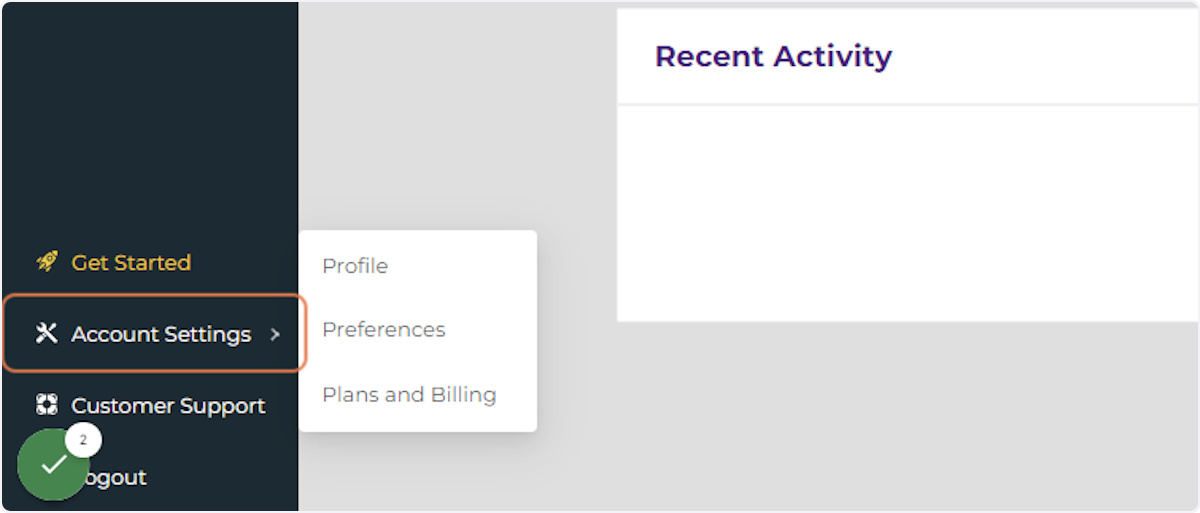
1. Click on Account Settings
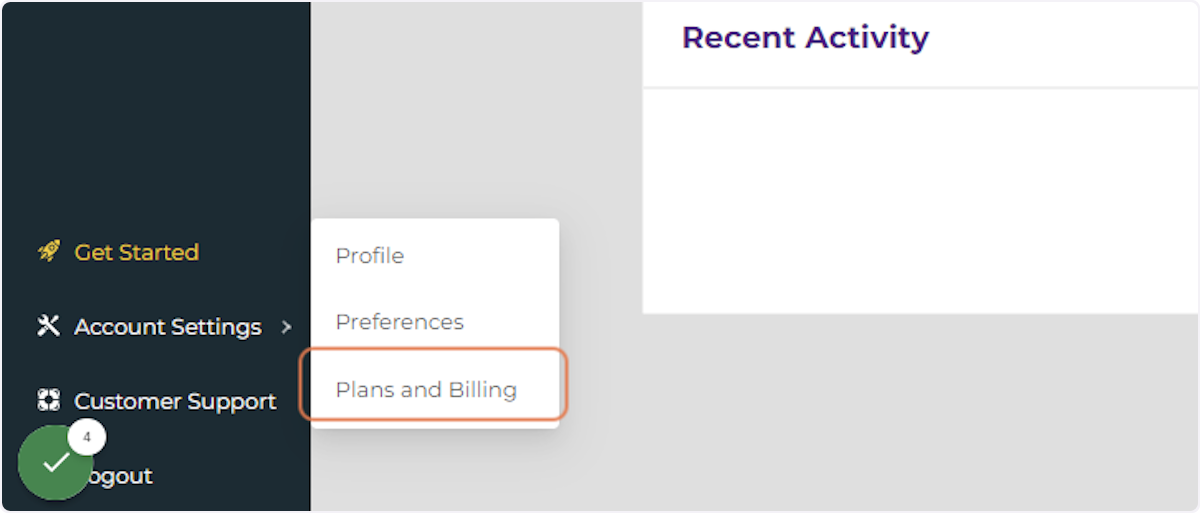
2. Click on Plans and Billing
3. Click on Change

# Payrent
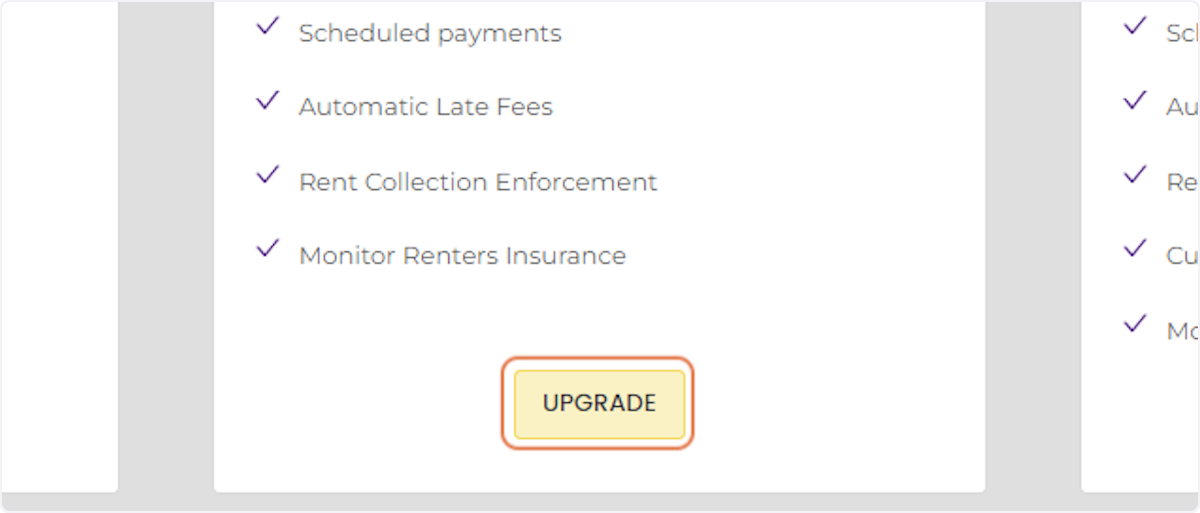
4. Review Plans and Click on UPGRADE or DOWNGRADE.
Creation Date: Jun 08, 2022
Created By: PayRent Inc