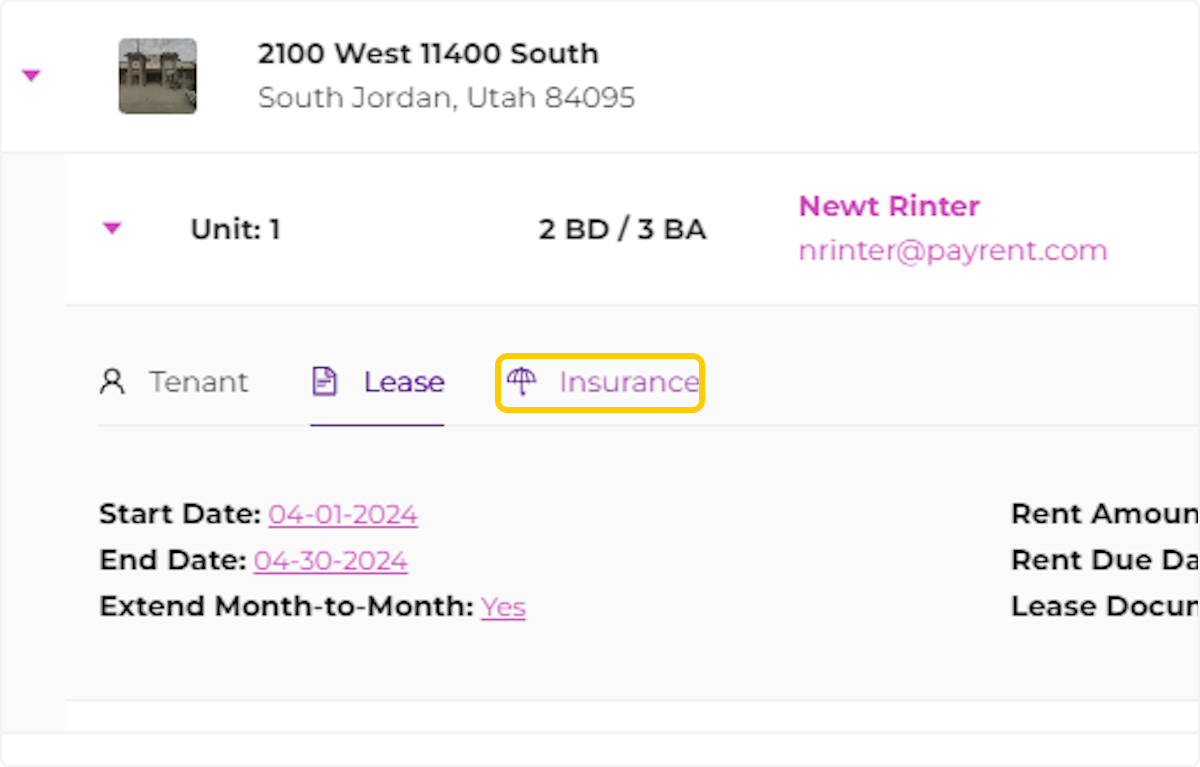
Steps to Access Lease and Insurance Information.
Creation Date: Jul 29, 2024
Created By: Martin Dartayet
# PayRent
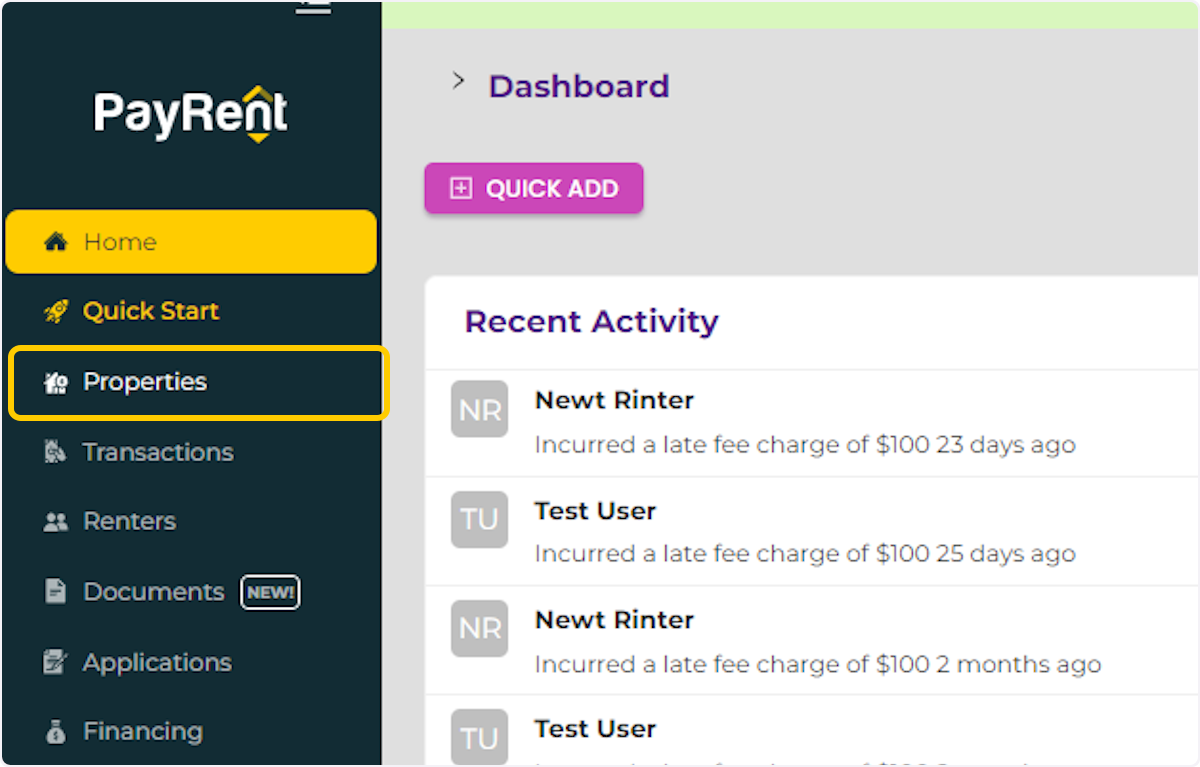
1. Click on Properties
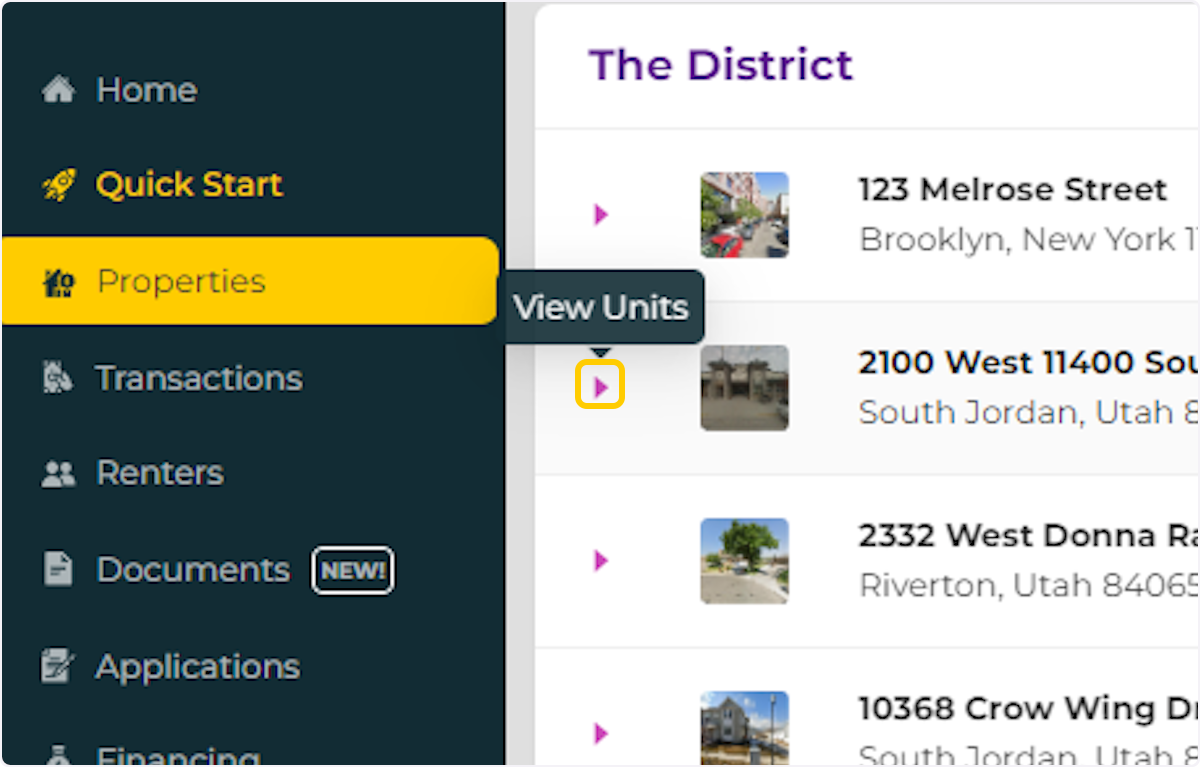
2. Search for the property and click "expand" to view the units.
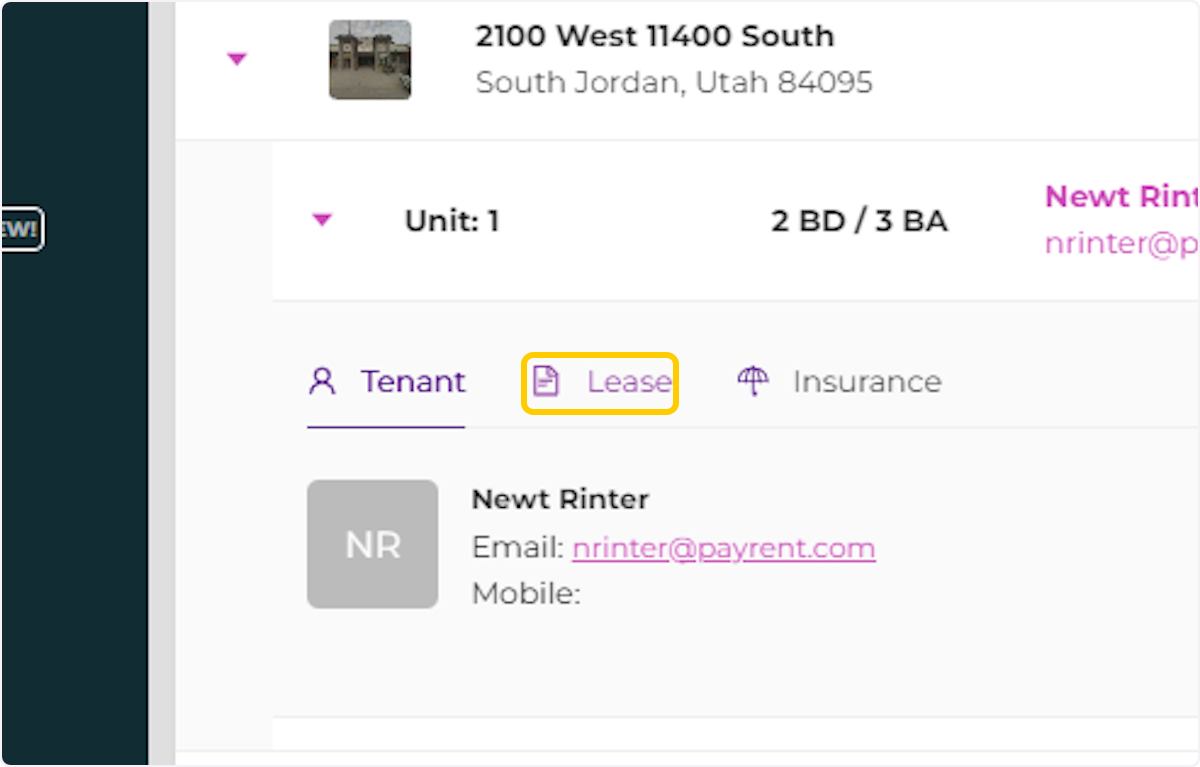
3. Click on "Expand" to see the unit information and documents.

4. Click on "Lease" to see the lease information.
5. Click on "Insurance" to see the renter's insurance.