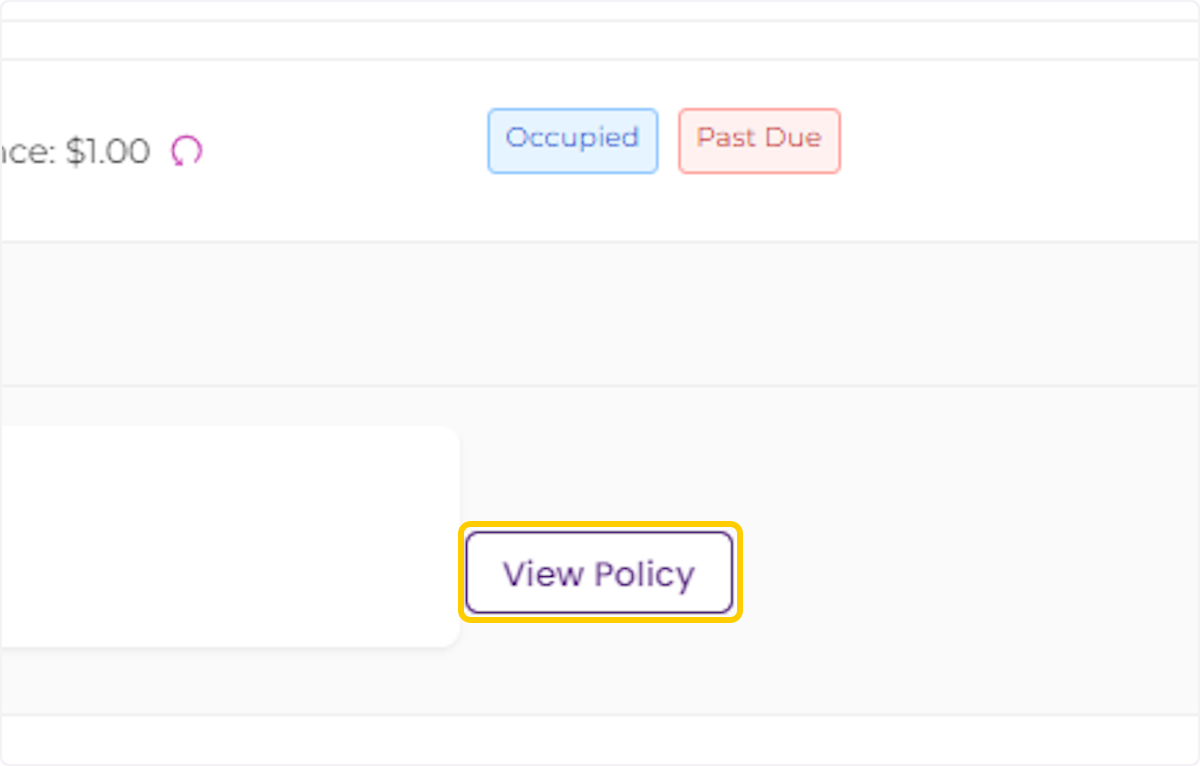
Accessing and Viewing the renter's insurance policy
Creation Date: May 29, 2024
Created By: Martin Dartayet
# PayRent
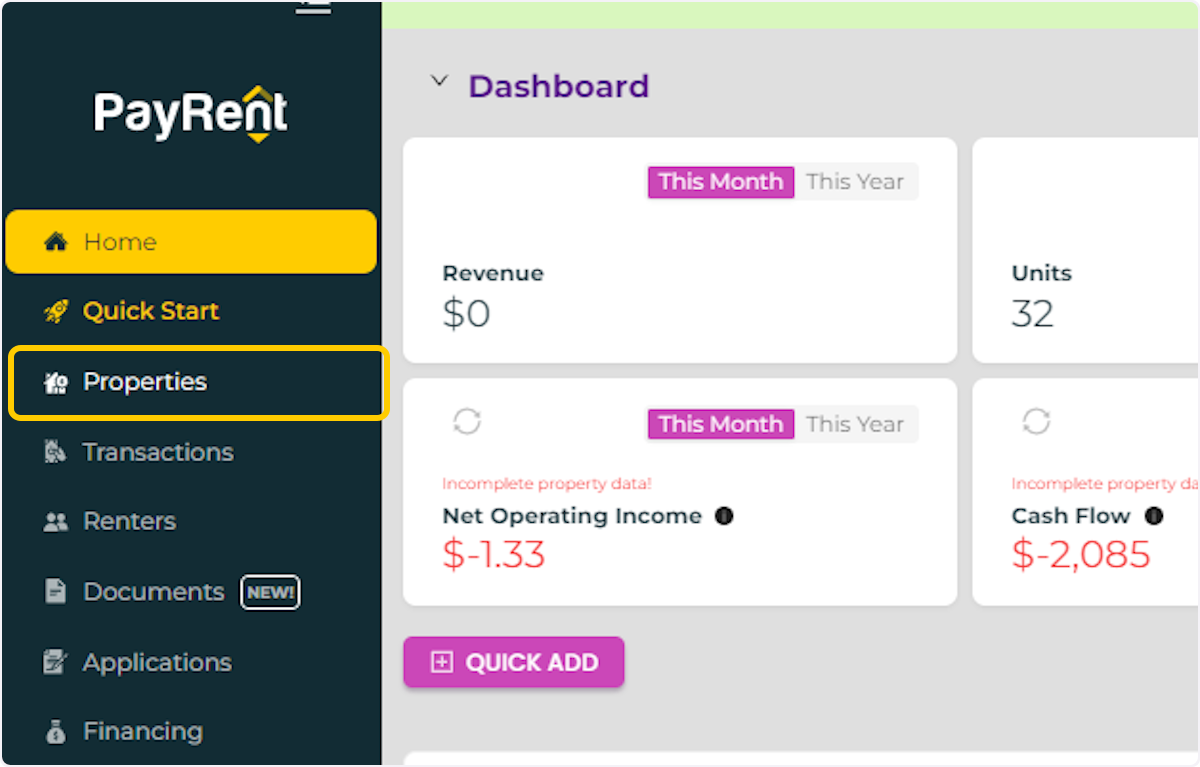
1. Click on Properties
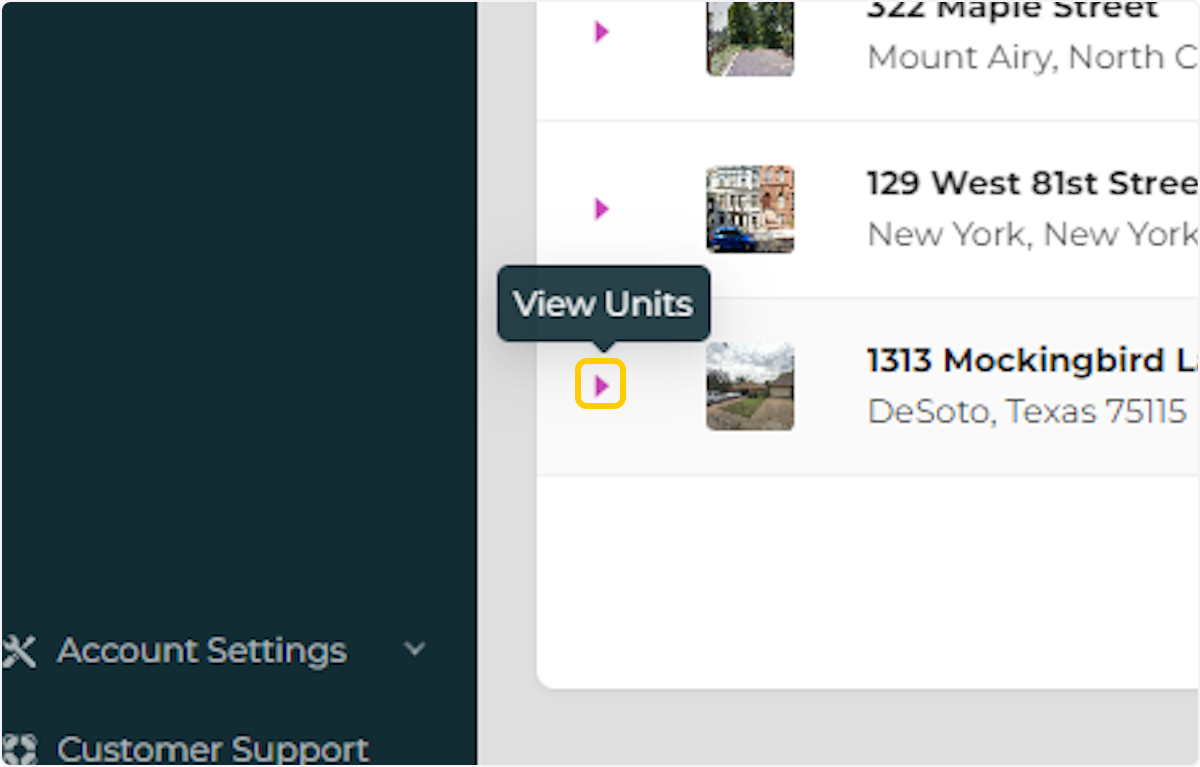
2. Locate the property where the renter is and click the "expand" button to see the units.
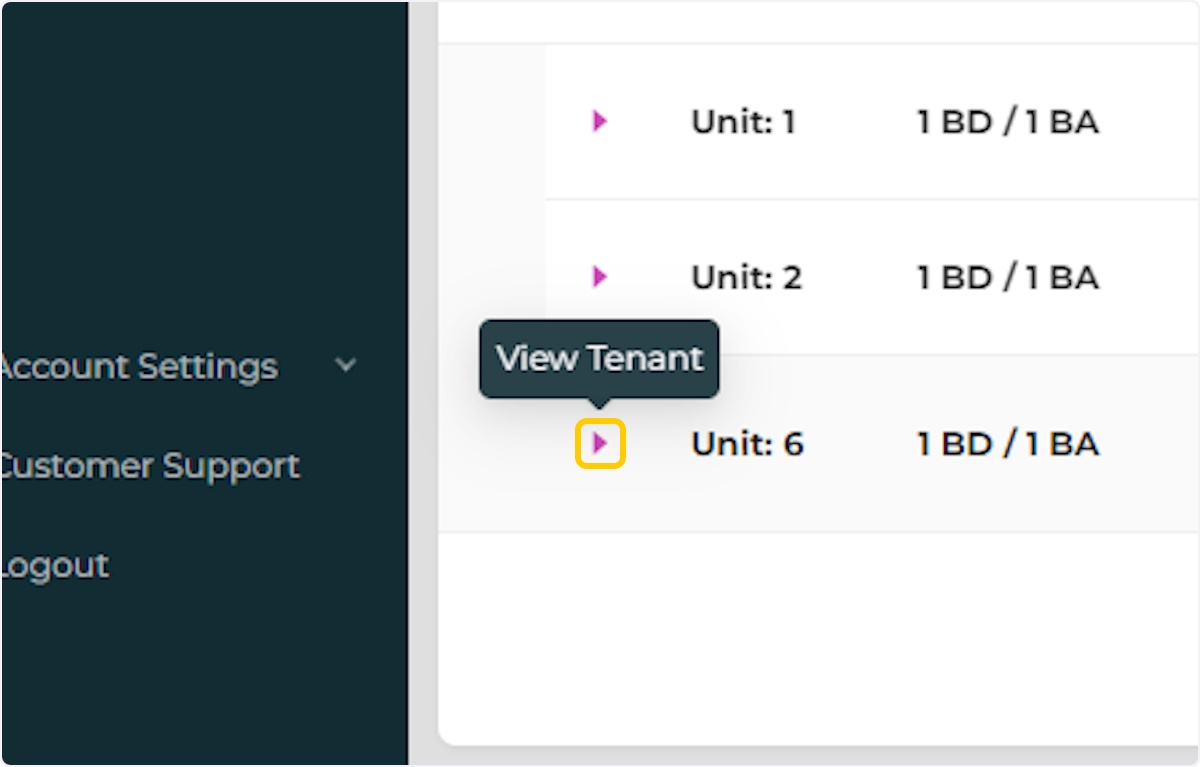
3. Click on the "expand" button to see the renter details.
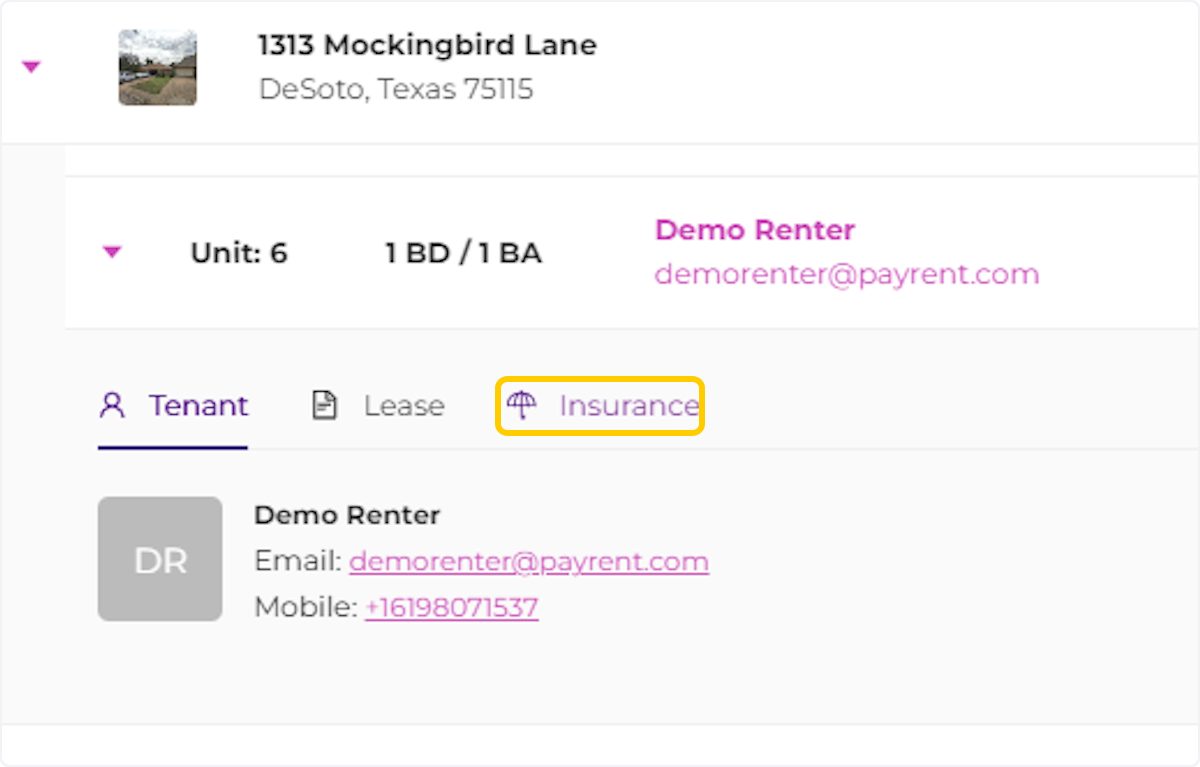
4. Click on Insurance
5. Click on View Policy