How to Schedule a Payment
Creation Date: Jul 08, 2022
Created By: PayRent Inc
# Payrent
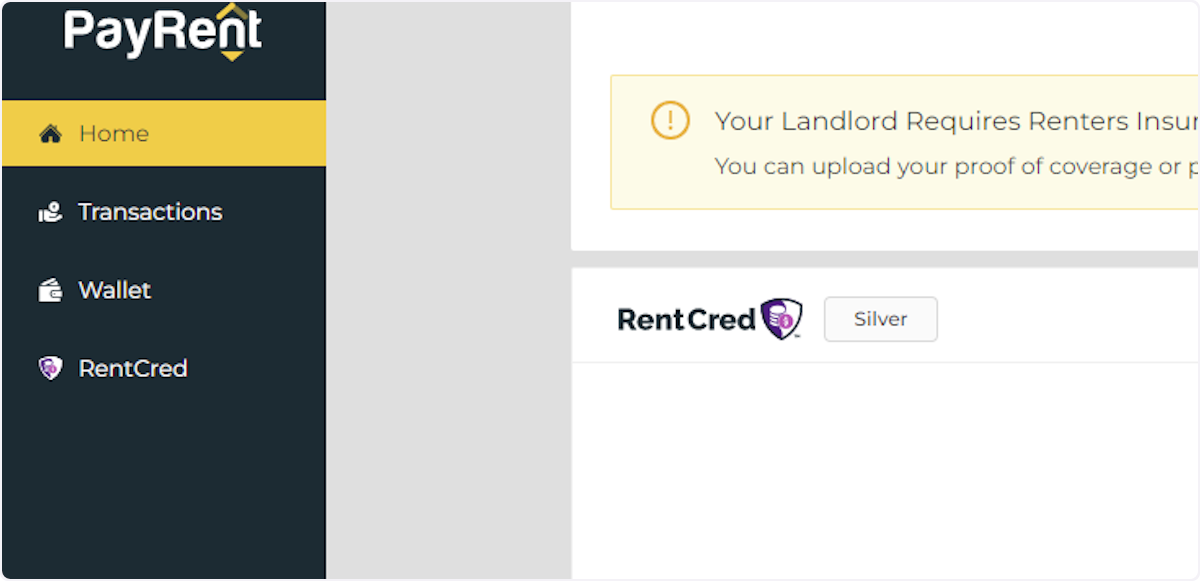
1. Click on Wallet
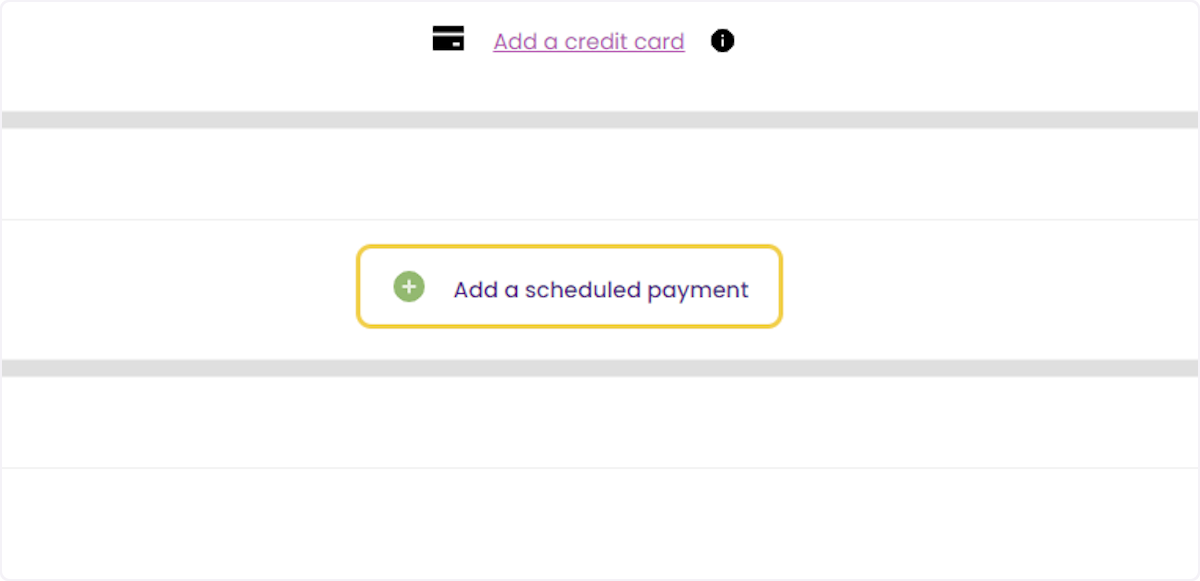
2. Click on Add a scheduled payment
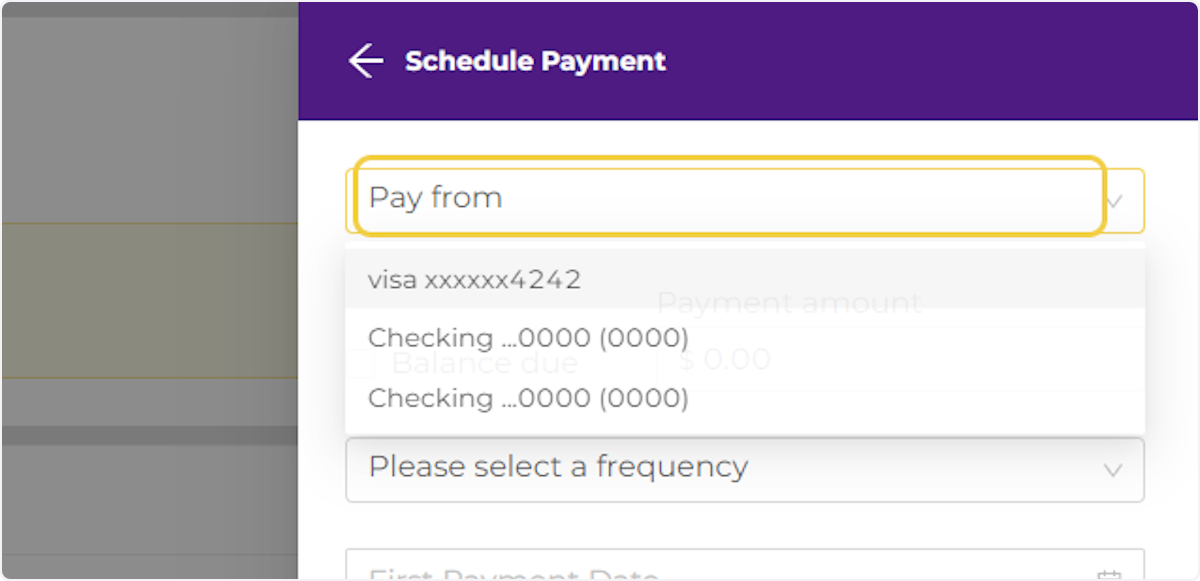
3. Select your Payment Method
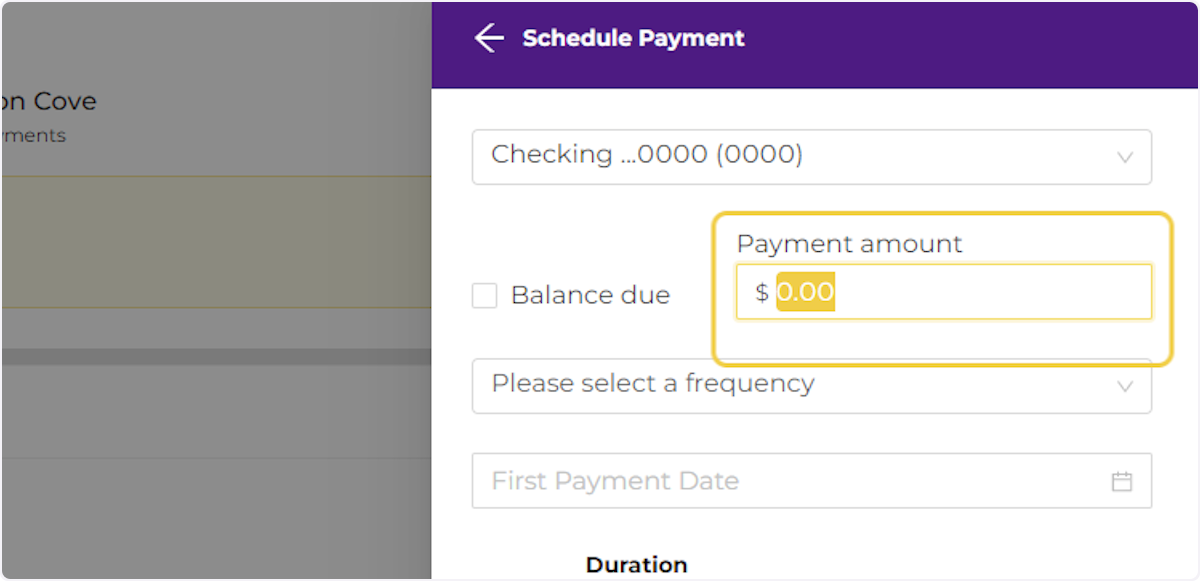
4. Check the Balance Due Box or type in a set amount to pay.
# Payrent
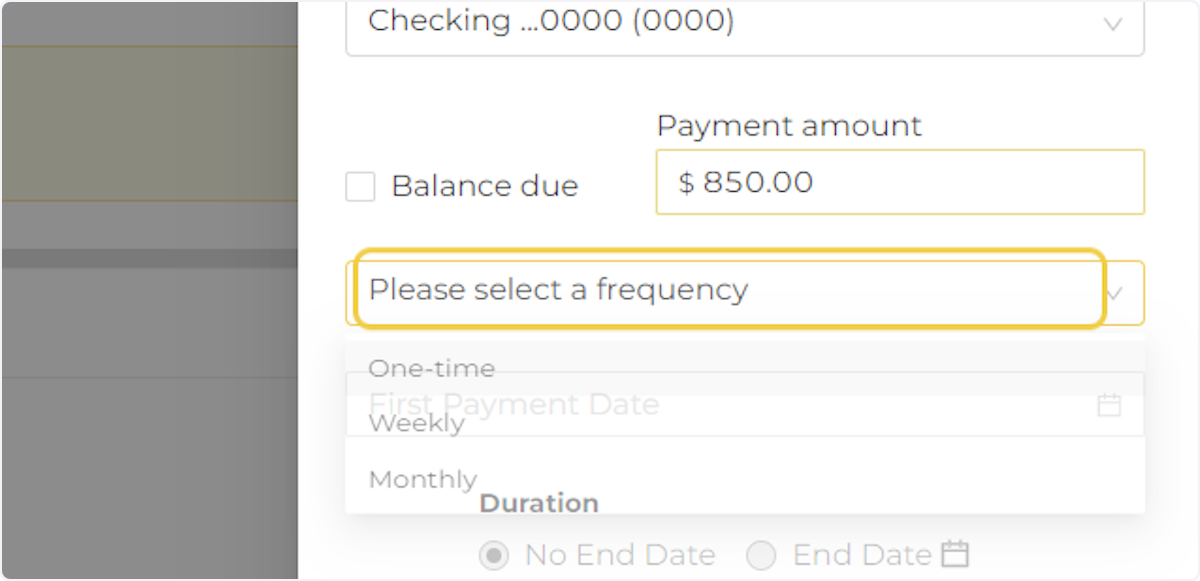
5. Select a payment frequency
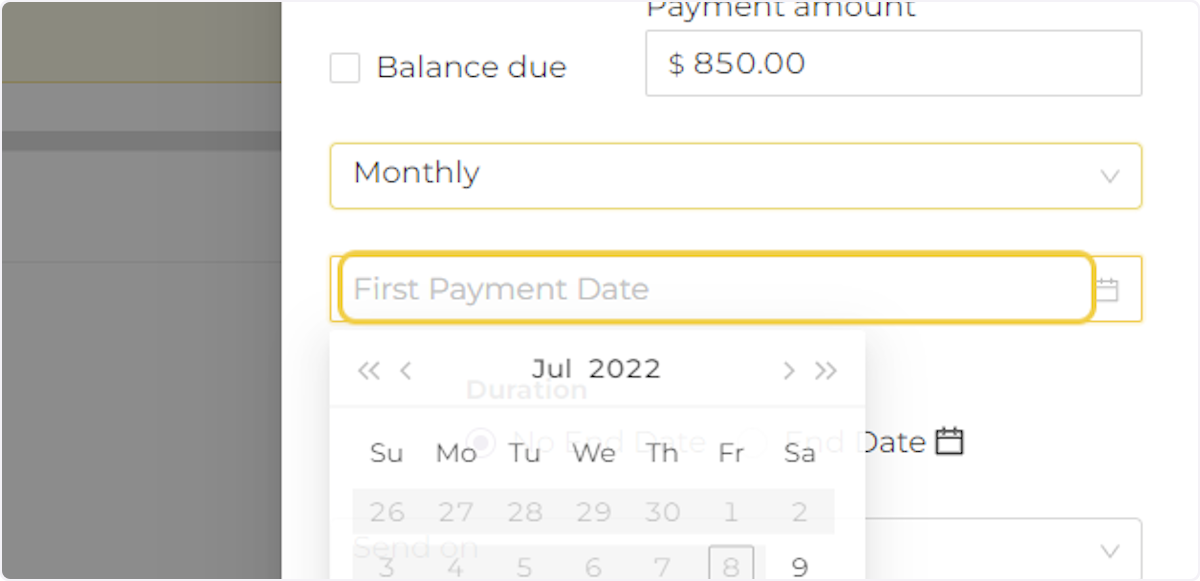
6. Click on First Payment Date
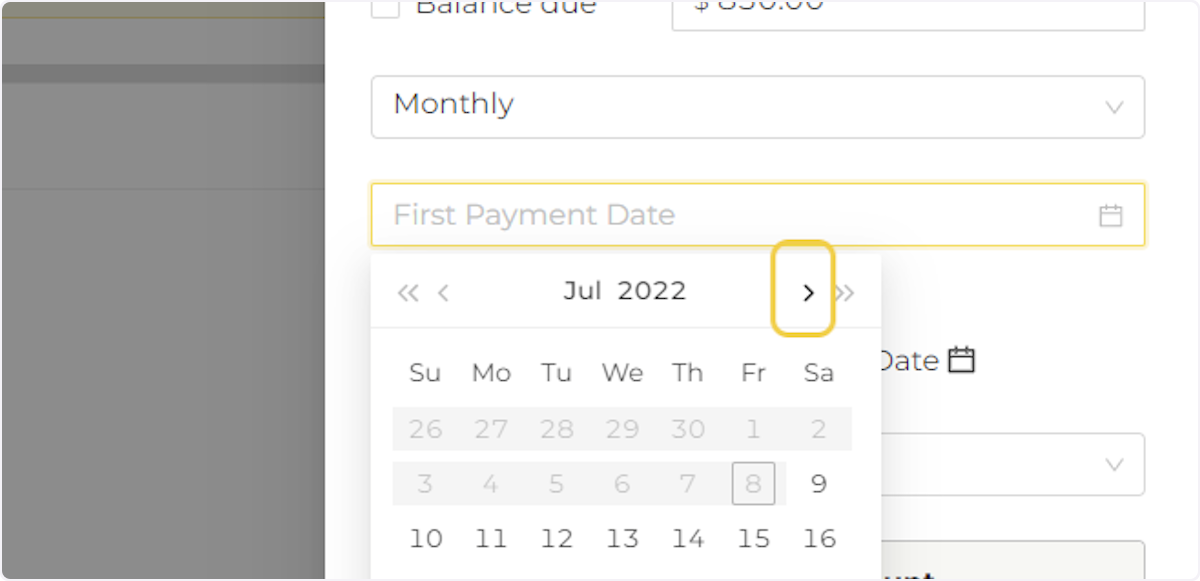
7. Select a date to send the first payment.
# Payrent
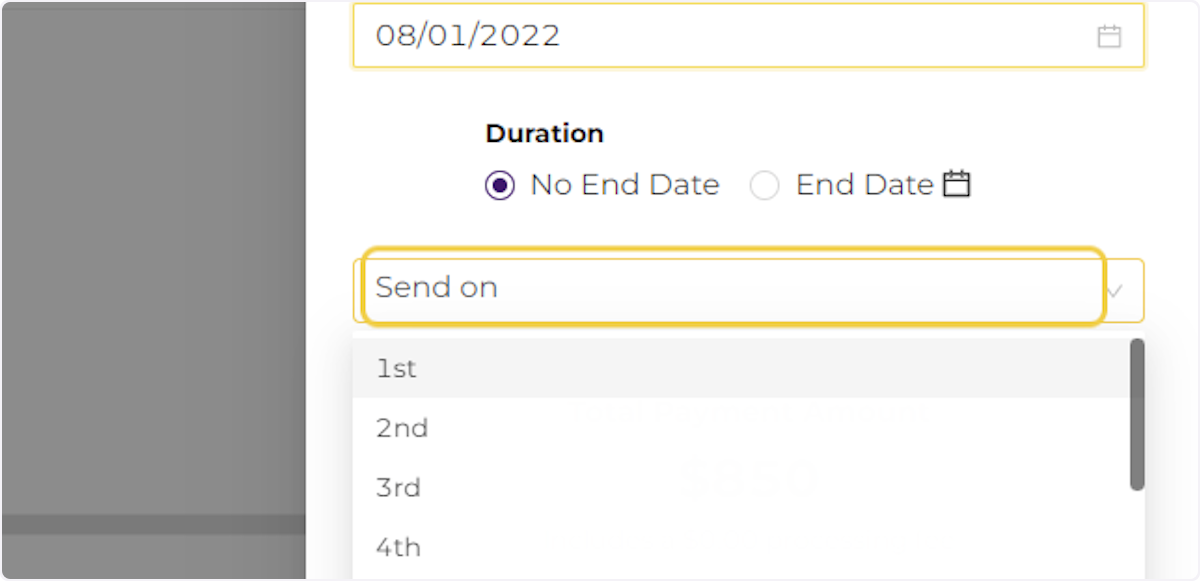
8. Click on Send on
All subsequent payments will be sent on a specific day of the month. Select which date to send future payments.
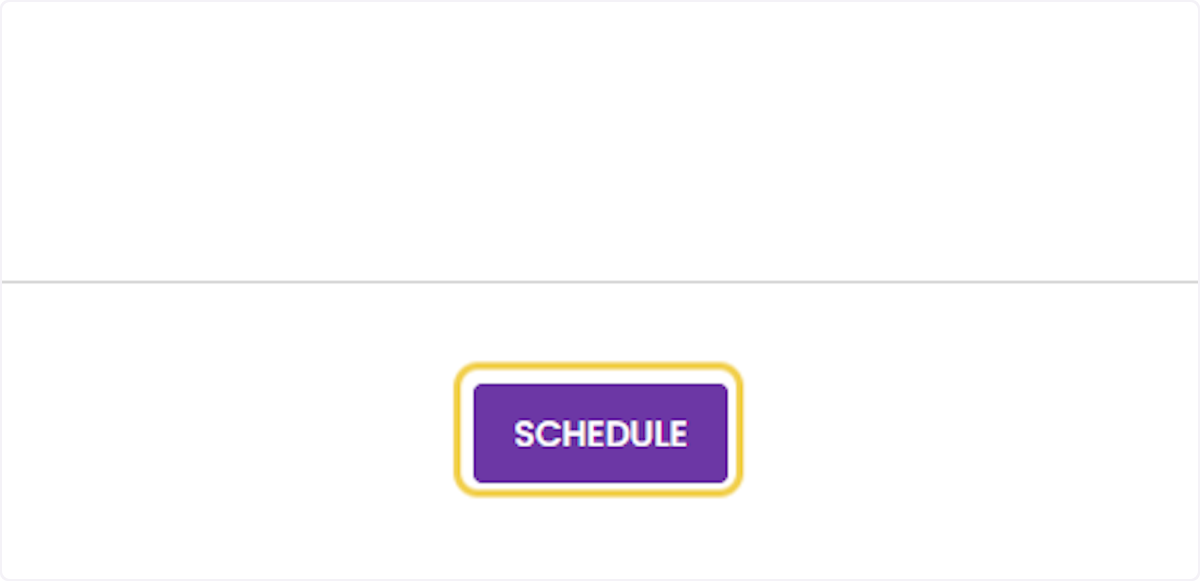
9. Click on SCHEDULE
# Payrent
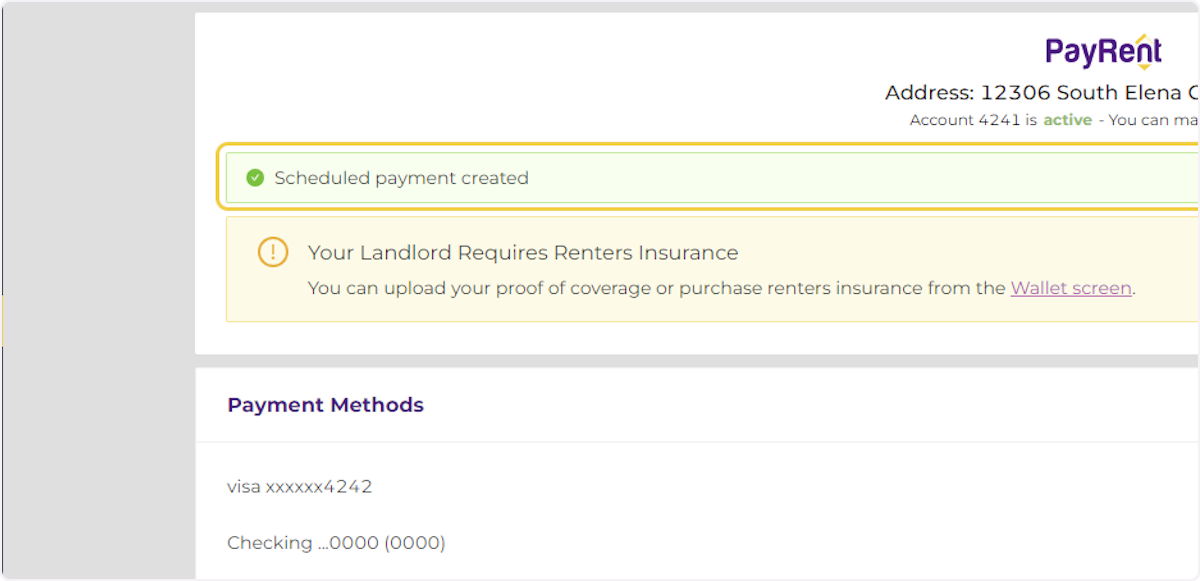
10. Your Scheduled Payment has been created.