
How to Change Your Settlement Bank Account
Creation Date: May 01, 2024
Created By: Carlton van Putten
# Sign in to PayRent
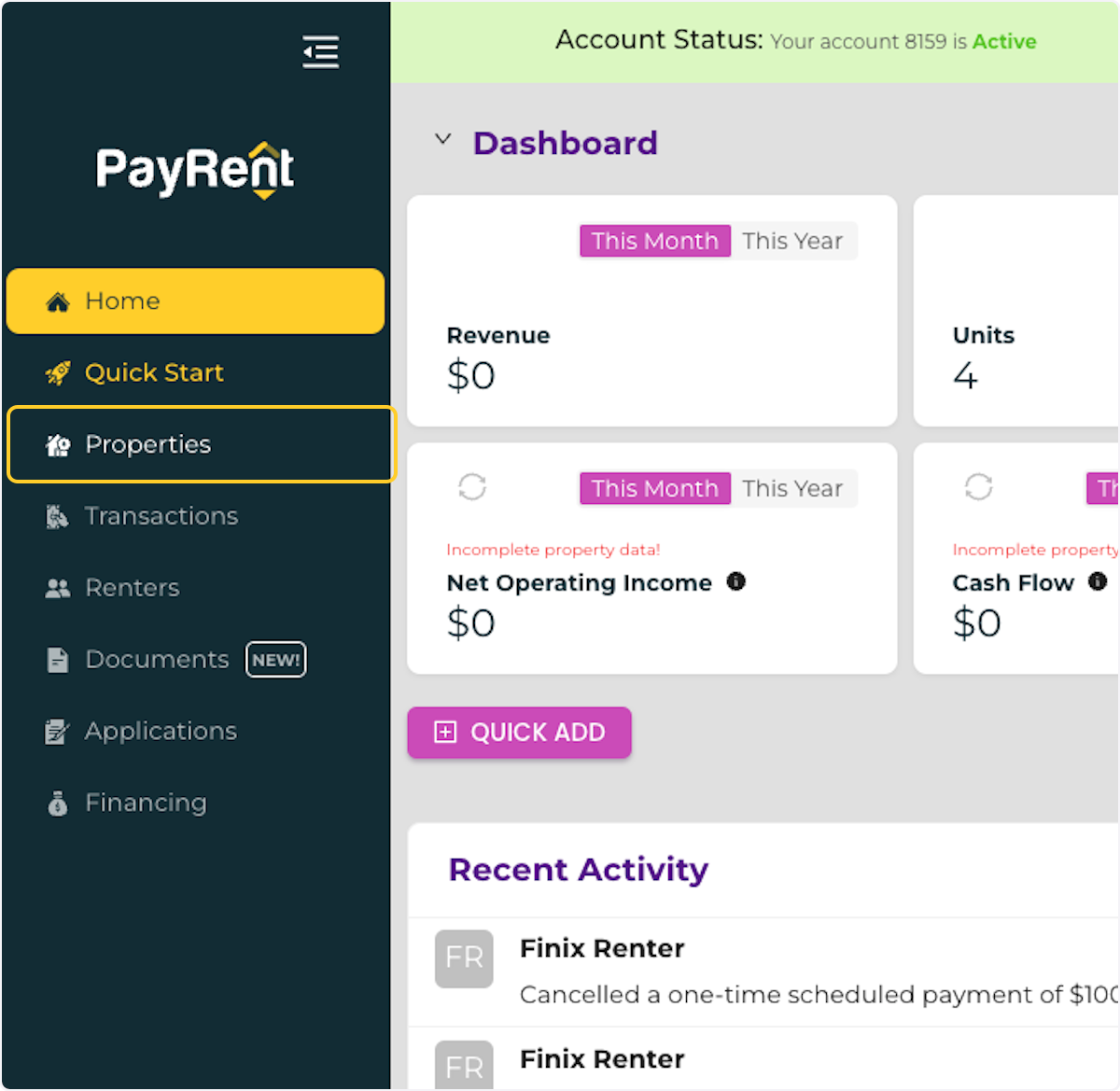
1. Click on Properties
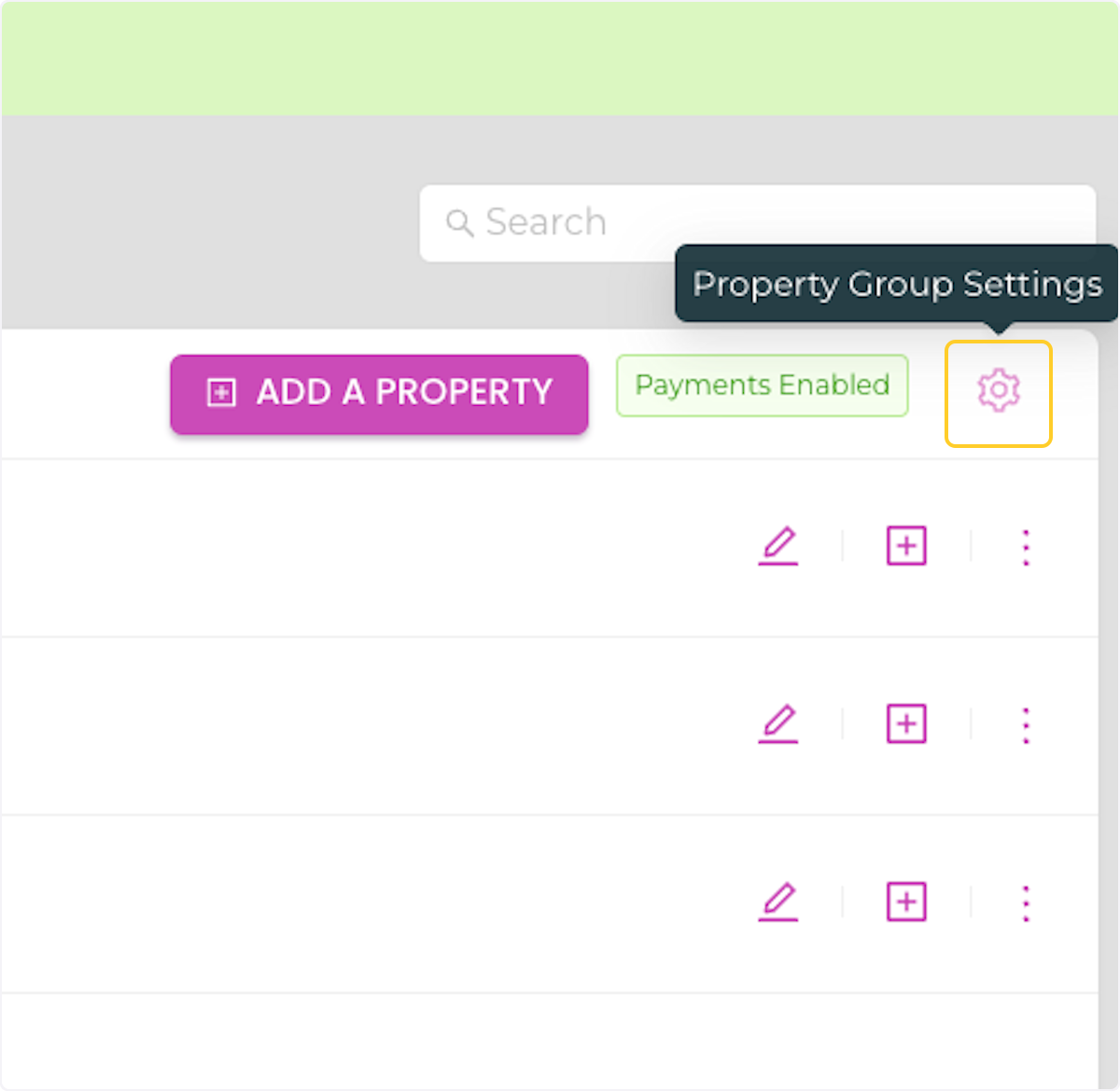
2. Click on the Property Group Settings iccon
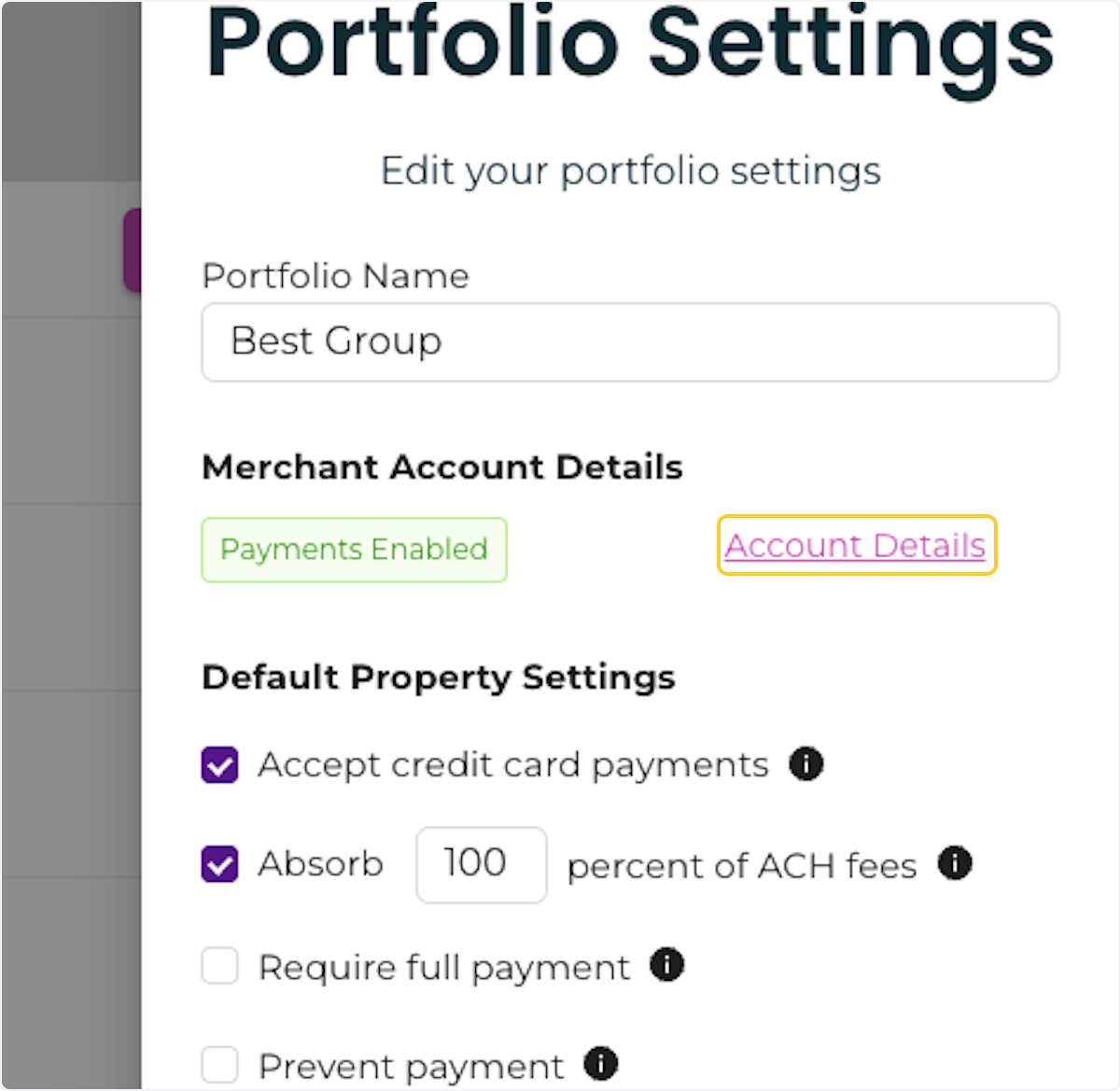
3. Click on Account Details
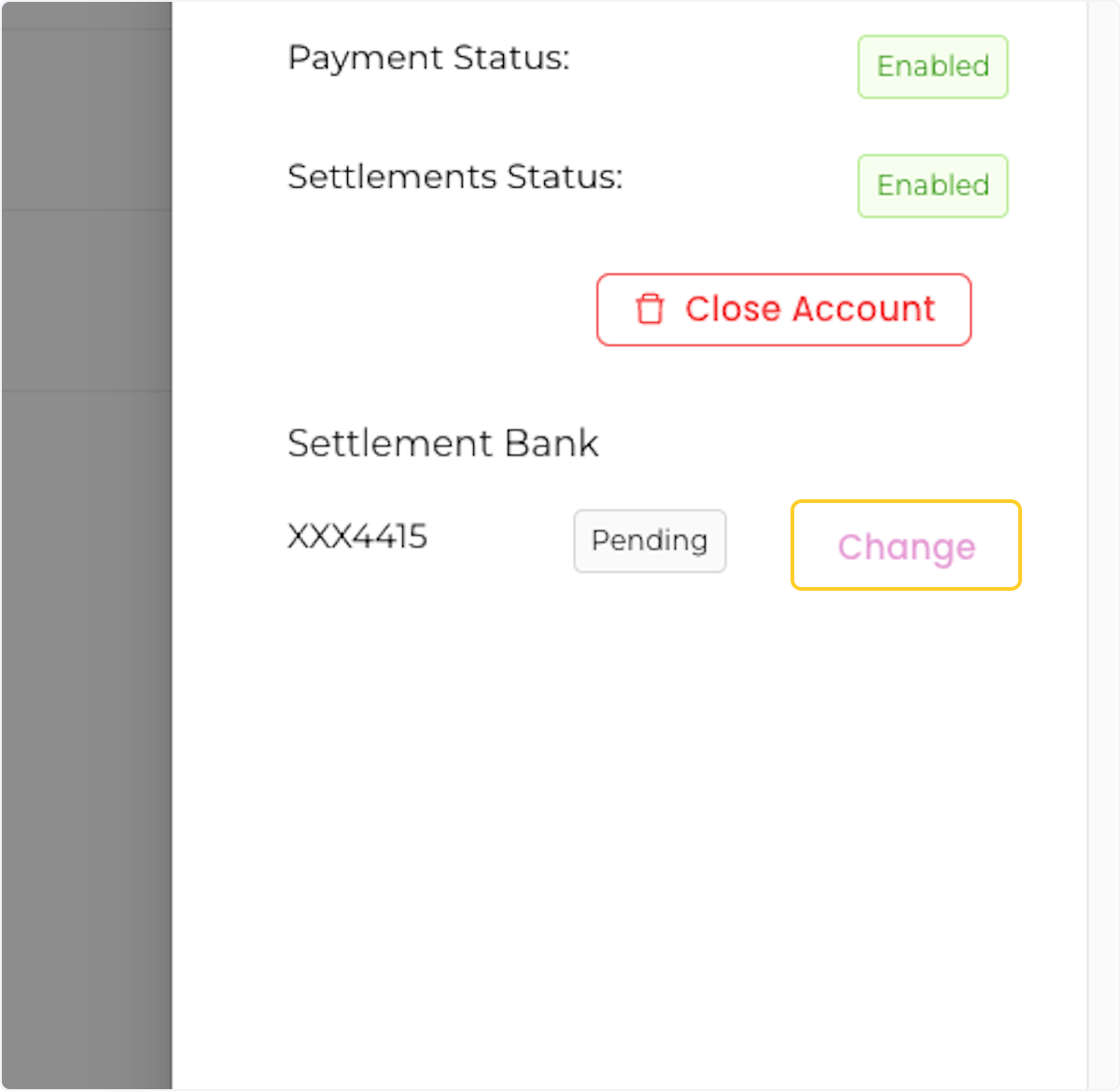
4. Click on Change
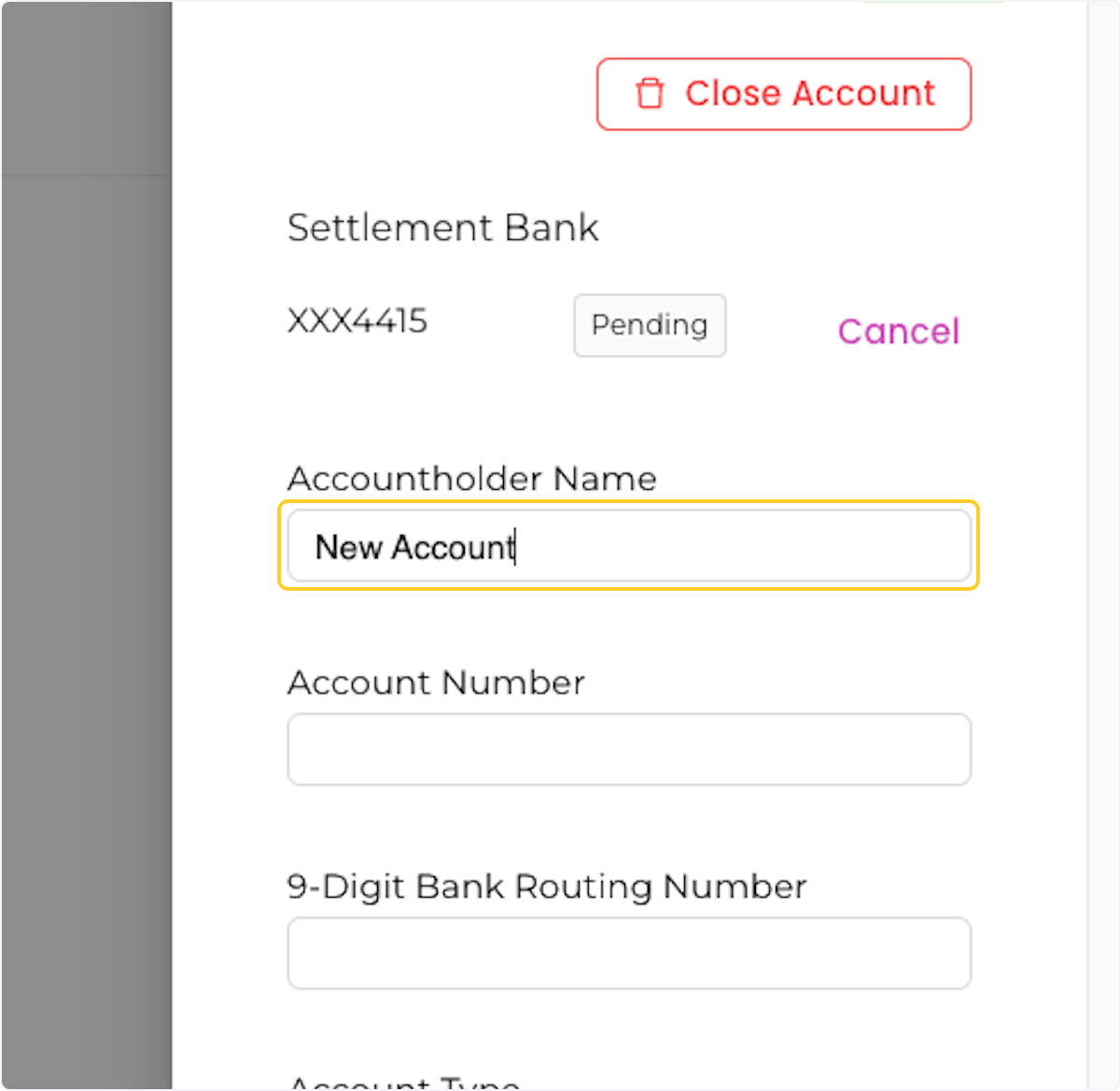
5. Enter your new account details. To use separate settlement bank accounts, add multiple property groups and onboard each group separately with its own business and bank details. Assign each property to the appropriate property group so payments are associated with that group’s settlement account.
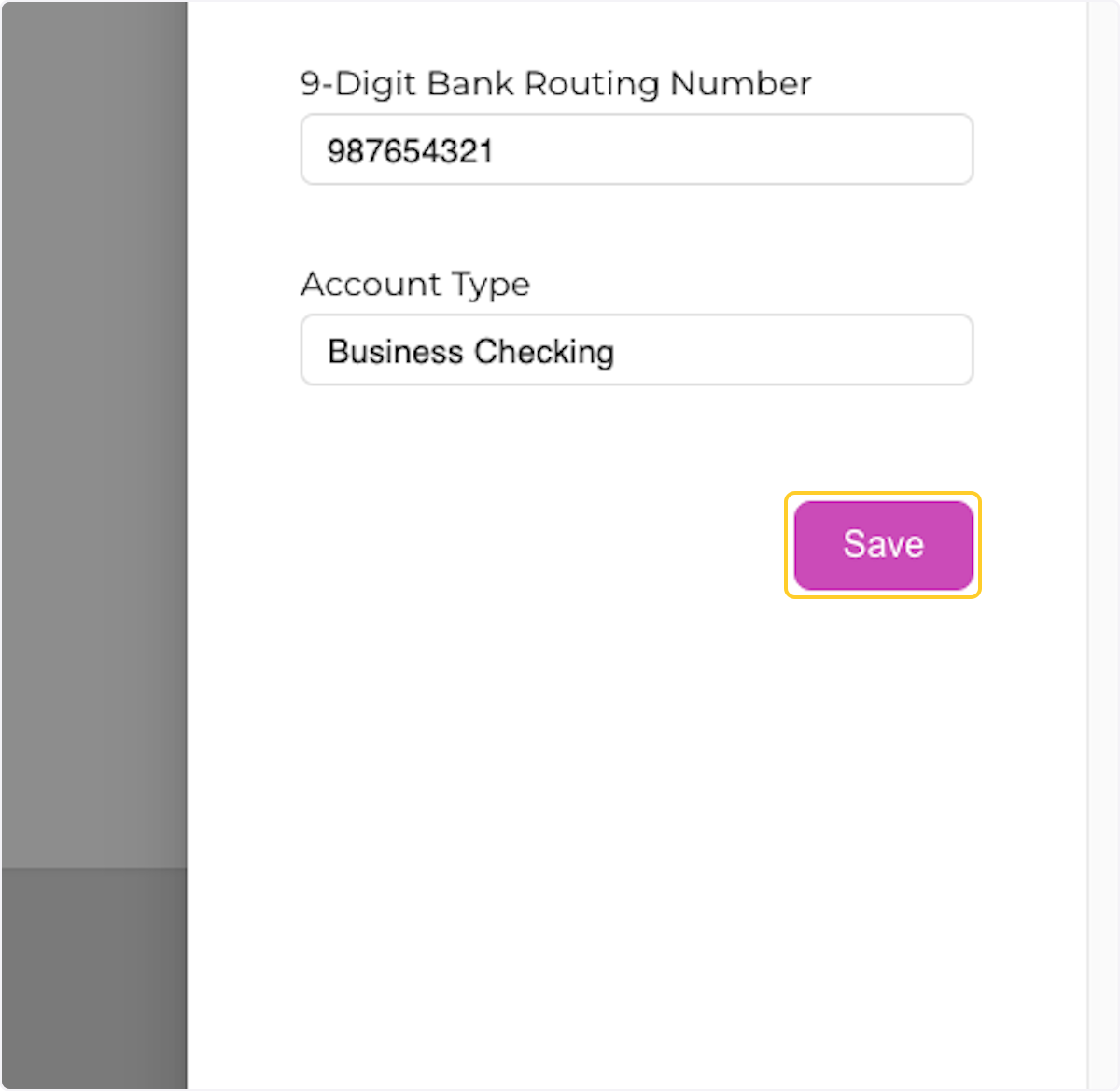
6. Click on Save
7. Click on CLOSE