
How to Change the Rent Amount
Creation Date: Sep 29, 2022
Created By: PayRent Inc
# Payrent
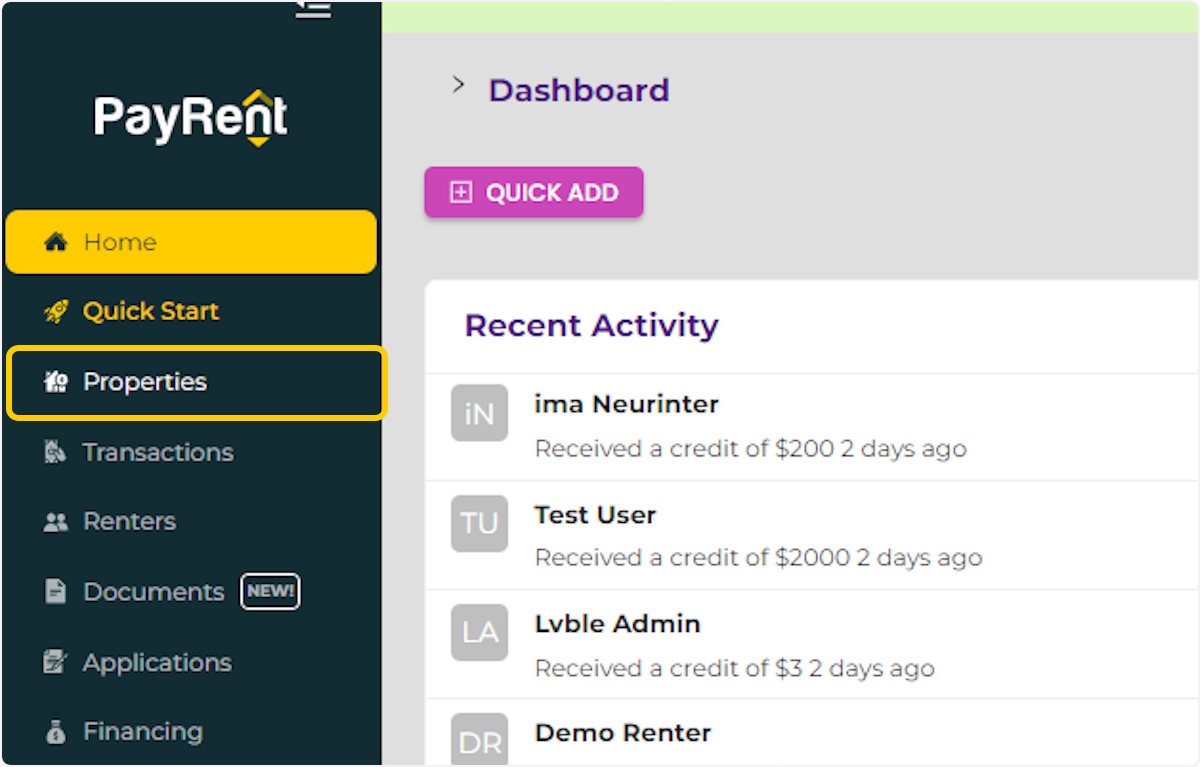
1. Click on Properties
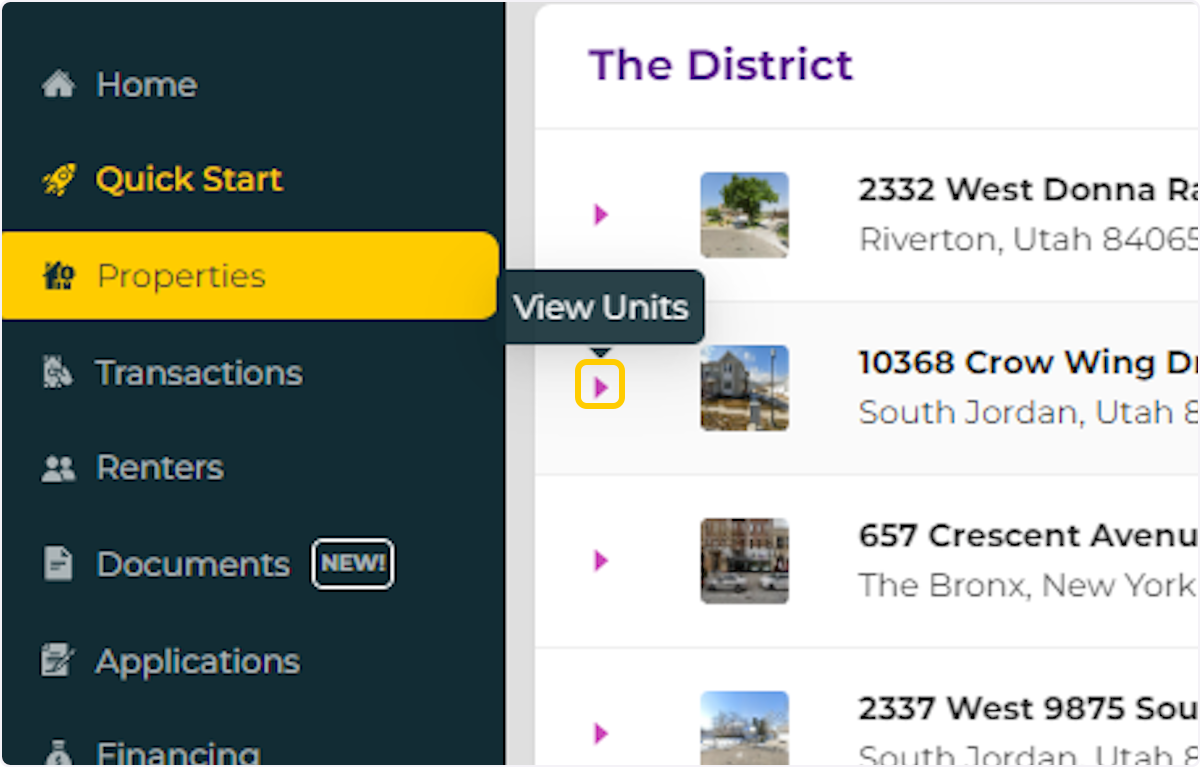
2. Click on "View Units"
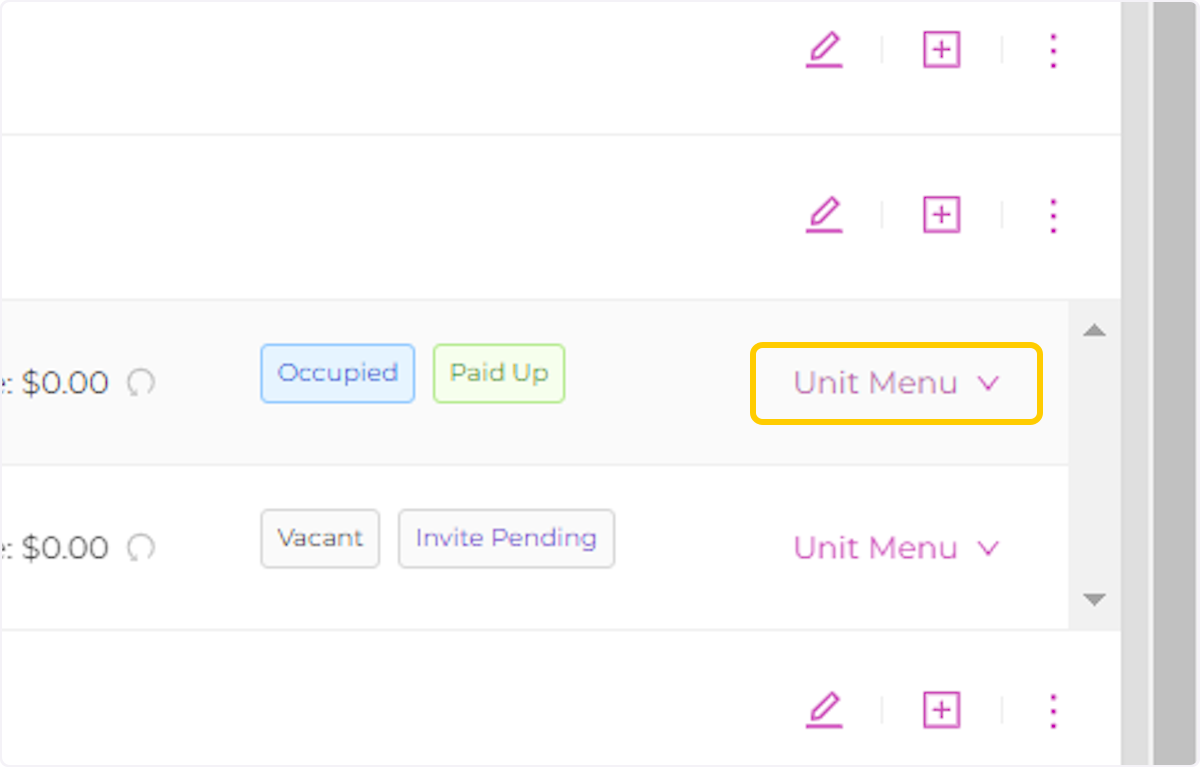
3. Click on Unit Menu
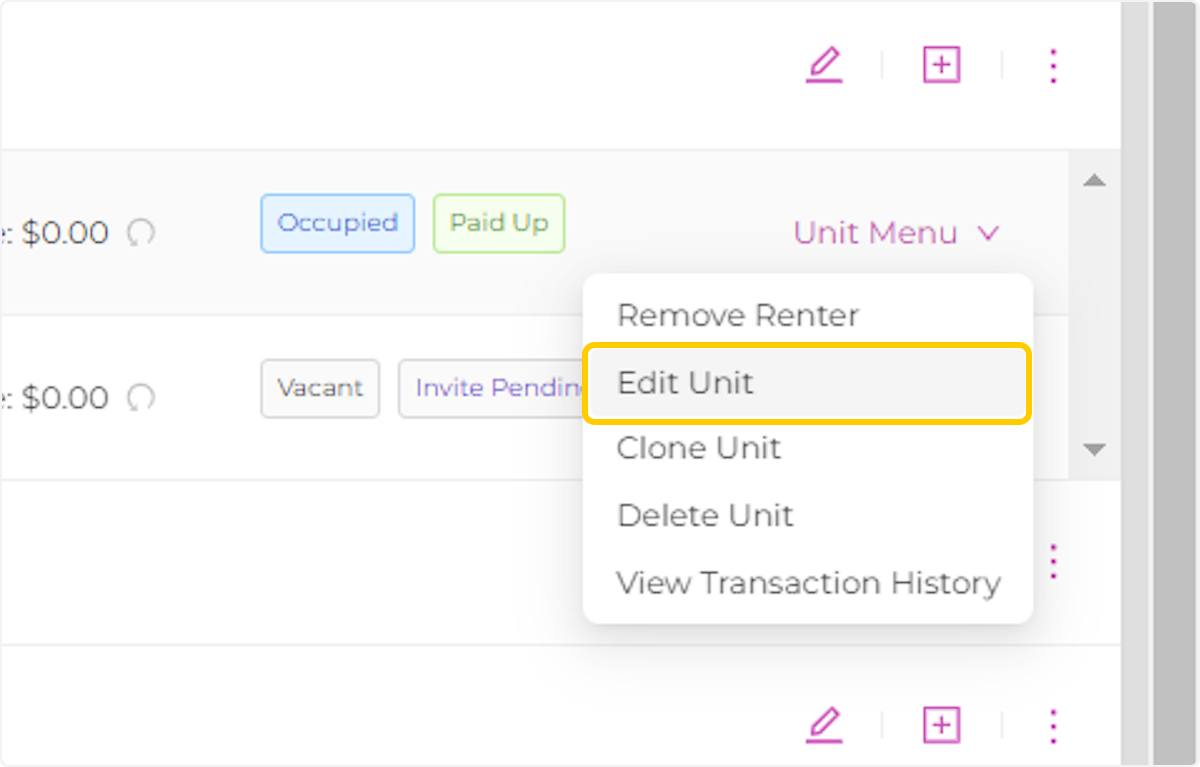
4. Click on Edit Unit
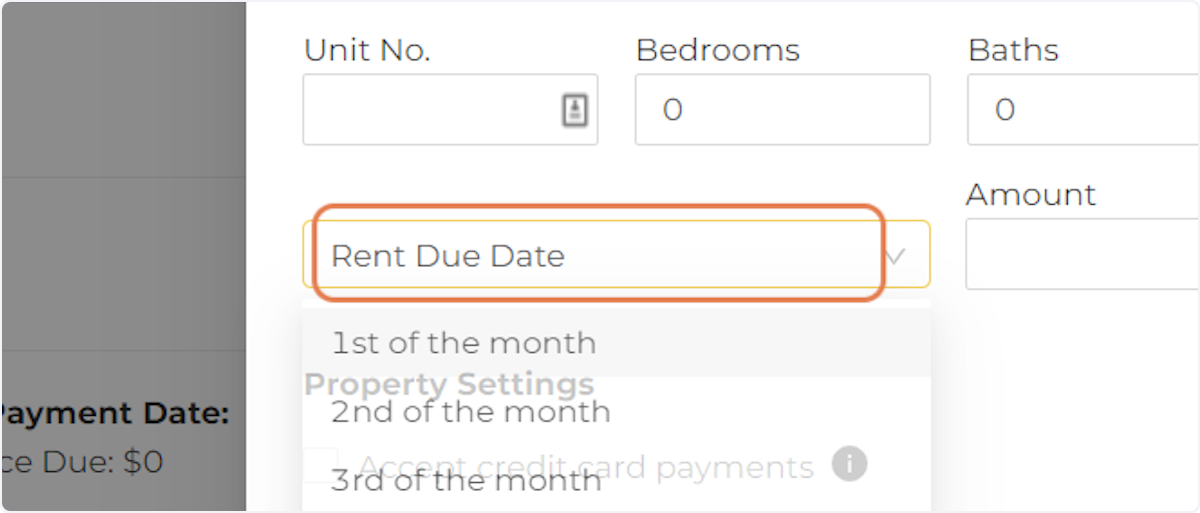
5. Select a new Rent Due Date.
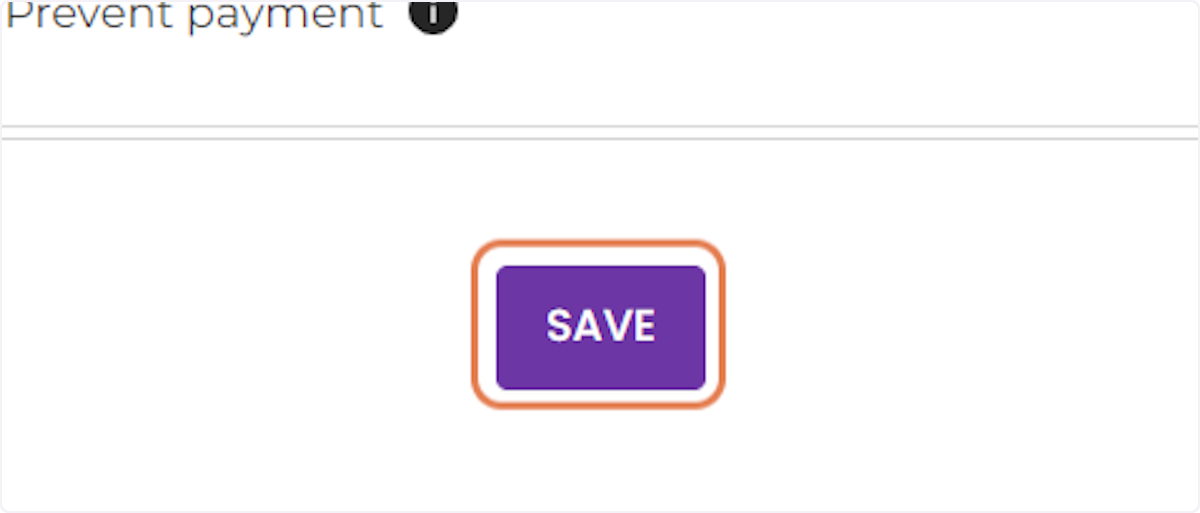
6. Click on SAVE
Creation Date: Sep 29, 2022
Created By: PayRent Inc